
Apple Watch Car Keys Explained: How Digital Keys Work and Which Cars Support Them
by AutoExpert | 13 February, 2026
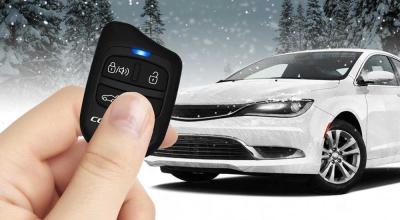
Car keys are basically becoming obsolete. Around 2020, automakers started letting people unlock and start their cars with an Apple Watch. Pretty wild when you think about it.
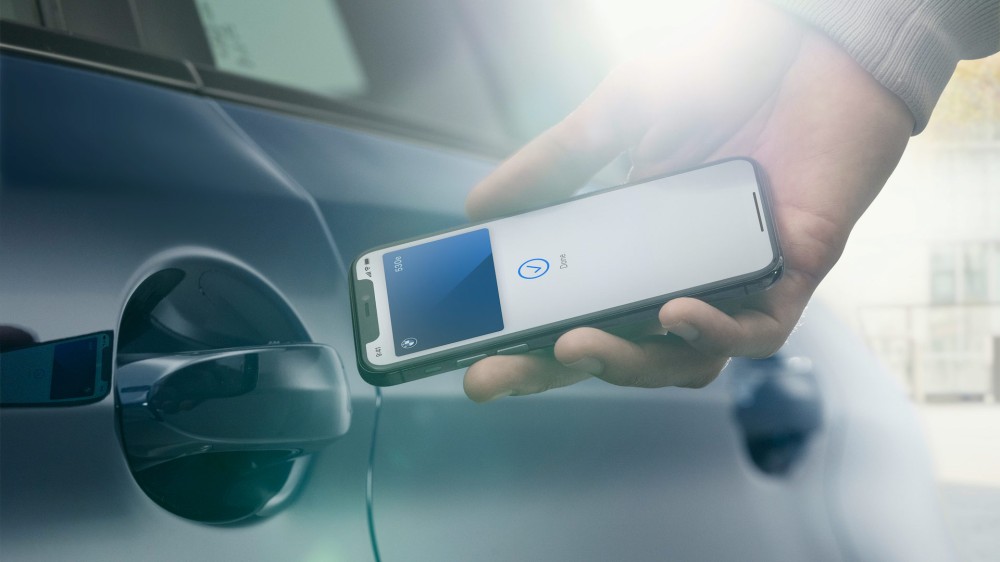
How it works depends on the car. Some let you unlock from across a parking lot like a regular key fob. Others need your watch right against the door handle. Some cars just unlock when you walk up. It's all NFC and Bluetooth doing the heavy lifting.
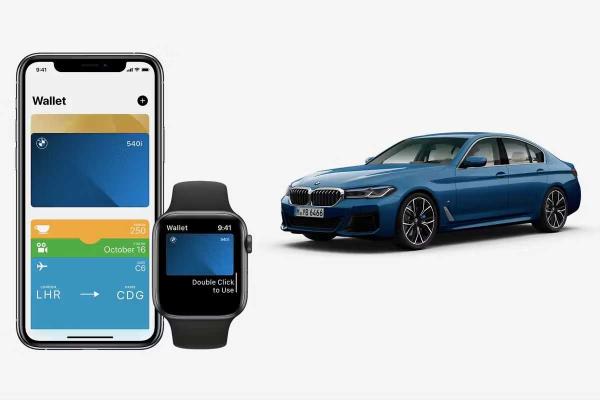
BMW got the ball rolling first, but tons of brands have it now. Audi, Genesis, Mercedes, Volvo, Rivian, Hyundai, Kia, Ram, Mini, and a bunch of others. Even some Chinese EV brands like NIO and BYD are doing it. Mostly on pricier models, though BMW has it on some of their cheaper cars.
What Cars Work With This?
BMW has the most options by far. You can get it on the 2, 3, 4, 5, and 8 Series sedans anywhere from $40,000 to $140,000. Their X series SUVs have it too, including the performance models like the X5 M and X6 M.
Other brands are more selective. Kia only puts it on the top three Telluride trims. The 2026 RAM 1500 Tungsten comes with it, but other trims? You're paying an extra $5,460 for the package. Lots of EVs support it though, Volvo EX30 and EX90, Mercedes EQS and EQE, that kind of thing.
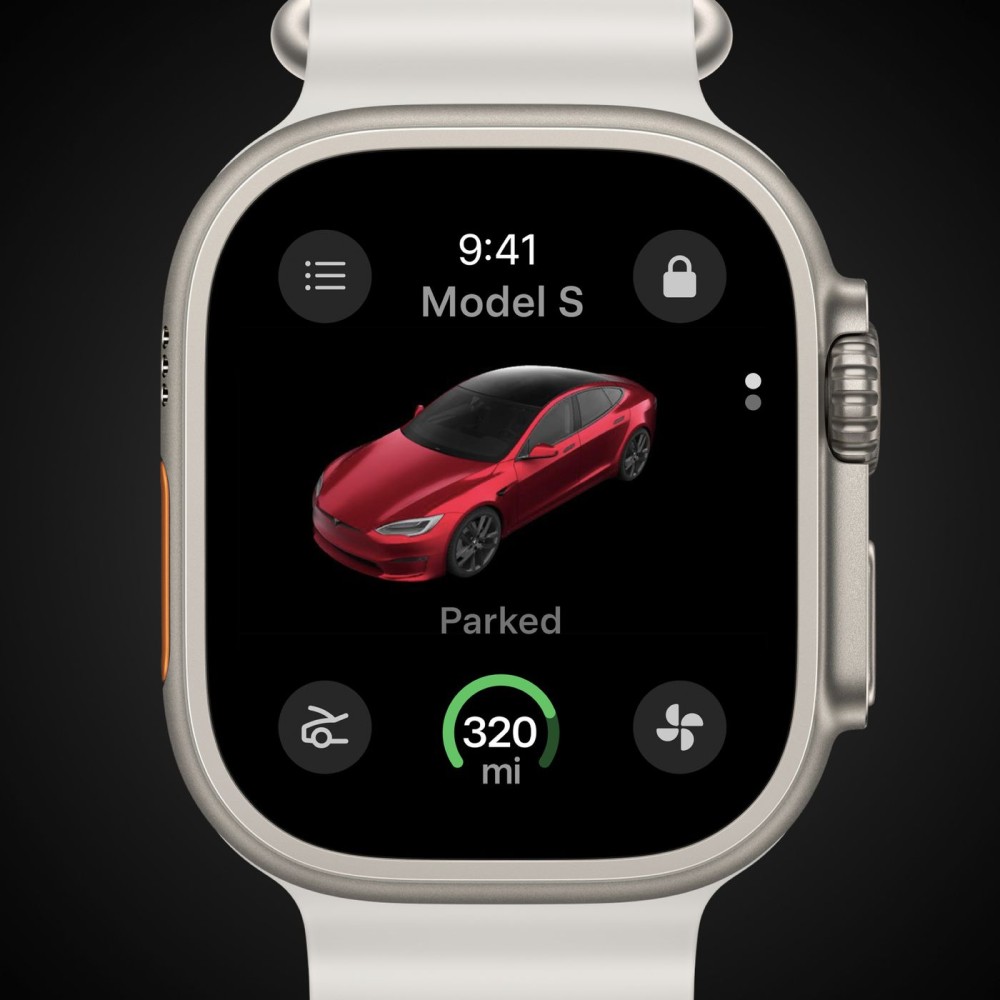
Acura and Cadillac say they're adding it soon. The 2026 Porsche Macan EV has it. If you've got a 2021 or newer model, worth asking your dealer if your specific trim has it.
How To Set It Up
You need an Apple Watch SE or Series 5 or newer. Your iPhone has to be an XS or second-gen SE minimum. Update both to the latest iOS.
Download your car's app first. Ram Connect, Kia Connect, My BMW, whatever your brand uses. Set up your vehicle info in there. It'll send you over to the Wallet app to finish connecting everything. Your Apple Watch should pick up the key automatically once your iPhone has it.
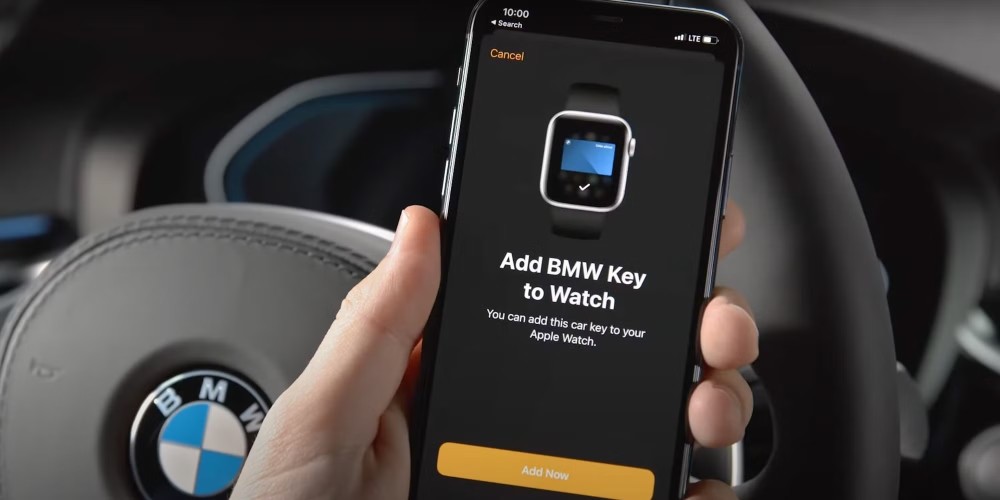
After that, you can use the Wallet app for remote stuff or just hold your watch up to the door to unlock. Done.